Professional Certificates Made Simple
Create, manage, and distribute professional certificates for your workshops, conferences, and training programs with ease.
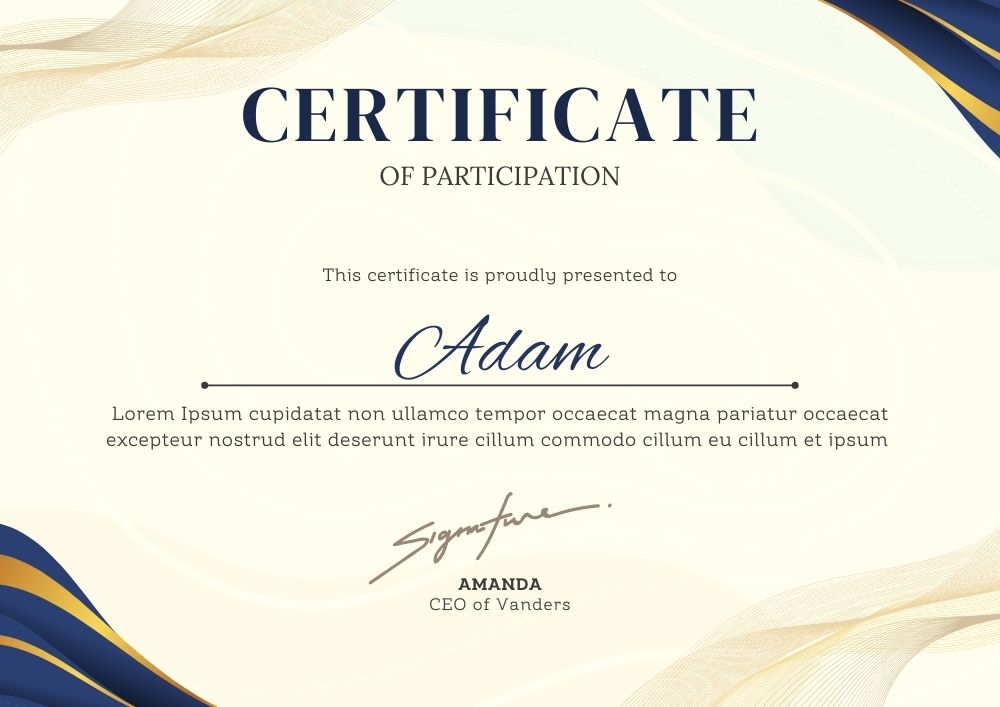
Create, manage, and distribute professional certificates for your workshops, conferences, and training programs with ease.
Everything you need to create professional certificates for your events, workshops, and training programs.
Create certificates with your own background, logo, signature, and text to match your branding.
Each certificate includes a unique verification code that can be validated online.
Generate up to 25 certificates at once with our free plan, or upgrade for more.
Send certificates directly via email or download as JPG files for printing.
Add participant details, event information, dates, and custom text to your certificates.
Create and manage certificates from any device - desktop, tablet, or mobile.
Design professional certificates with your own branding elements and custom content.

Our certificate system gives you full control over the design and content of your certificates. Add your own branding elements and customize every aspect to create professional certificates that represent your organization.
Start CreatingStart with our free plan and upgrade as your needs grow.
Need more certificates or have special requirements?
Get StartedFind answers to common questions about our certificate system.
With the free plan, you can create 1 program and generate up to 25 certificates for that program. If you need more, you can upgrade to our premium plan.
To upgrade, click on the 'Upgrade Now' button, fill out the Google Form with your details, and make a payment of ₹200 via GPay. Once confirmed, your account will be upgraded to allow 100 additional certificates.
Yes, you have complete control over your certificate design. You can add your own background image, logo, signature, and customize all text elements to match your branding.
Each certificate includes a unique verification code. Recipients can enter this code on our verification page to confirm the certificate's authenticity.
Yes, you can send certificates directly to participants via email, or download them as JPG files for printing or distribution through other channels.
Currently, we accept payments through Google Pay (GPay). After filling out the upgrade form, you'll receive instructions for completing the payment.